API overview
The Hostpanel REST API is served under /api on the client portal host and on the admin host of an install. Every endpoint page in this section is generated from the API itself each time the site is built, so the routes, parameters and statuses here are the ones the code declares.
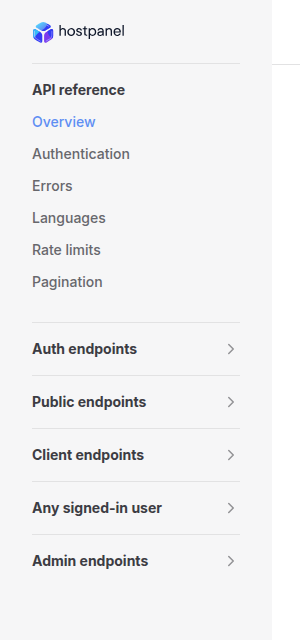
Pages that apply to every endpoint come first: Authentication, Errors, Languages, Rate limits and Pagination. The endpoint pages follow in the sidebar, grouped by audience and then by area.
https://panel.example.com for the client portal host and https://admin.example.com for the admin host. Replace them with the addresses of your install, or use your local stack while you try a call. Audiences
Each endpoint belongs to one of five audiences. The audience is the tag the API puts on the operation, and each endpoint page states what a call needs under Access.
| Name | Type | Default | Description |
|---|---|---|---|
Auth | None | Sign-in, session and account routes under api/auth. Most take no credential. The routes that let people sign in or register with a password exist only when the install authenticates its own users. | |
Public | None | The storefront and probe routes that need no sign-in: the product catalog, domain search, the contact form, published content and the health probe. | |
Client | None | Routes a signed-in client user calls on their own account: api/me/*, api/clients/me and the client plugin routes. Some also need a client permission. | |
Member | None | The few routes any signed-in user may call, whatever their role: the two-factor setup of the own account, the country list and the published announcements. It is listed in the sidebar as Any signed-in user. | |
Admin | None | Staff routes: api/admin/* and the shared routes whose actions are admin only, such as api/clients, api/billing, api/orders, api/services, api/domains and api/tickets. |
How to sign in, and what each audience needs, is on Authentication.
Formats
- JSON. Request and response bodies are
application/json. Failures areapplication/problem+json. See Errors. - camelCase. Field names on the wire are camelCase, for example
createdAtandtotalPages. Enumerations travel as their names, for example"status": "Paid". - Dates. ISO 8601 with a
+00:00offset, so UTC, for example2026-11-04T05:12:38.265306+00:00. - Money. A JSON number in the currency the record names in its
currencyfield, an ISO 4217 code such asUSD, for example"total": 29.98. - Query parameters. Their names are matched without regard to case. The endpoint pages show them as the API declares them, for example
PageandPageSize.
Health
GET /healthAnswers 200 OK while the API process is serving requests:
{
  "status": "Ok",
  "timestamp": "2026-11-04T12:39:25.5302532+00:00"
}
It sits at the root of the host, not under /api. It needs no sign-in and is not rate limited. It is a liveness probe, not a database check: a 200 tells you the process is up, nothing about its dependencies.
How the endpoint pages look
Each endpoint page has the description, parameters and responses on the left, and the request and response examples in a column on the right.
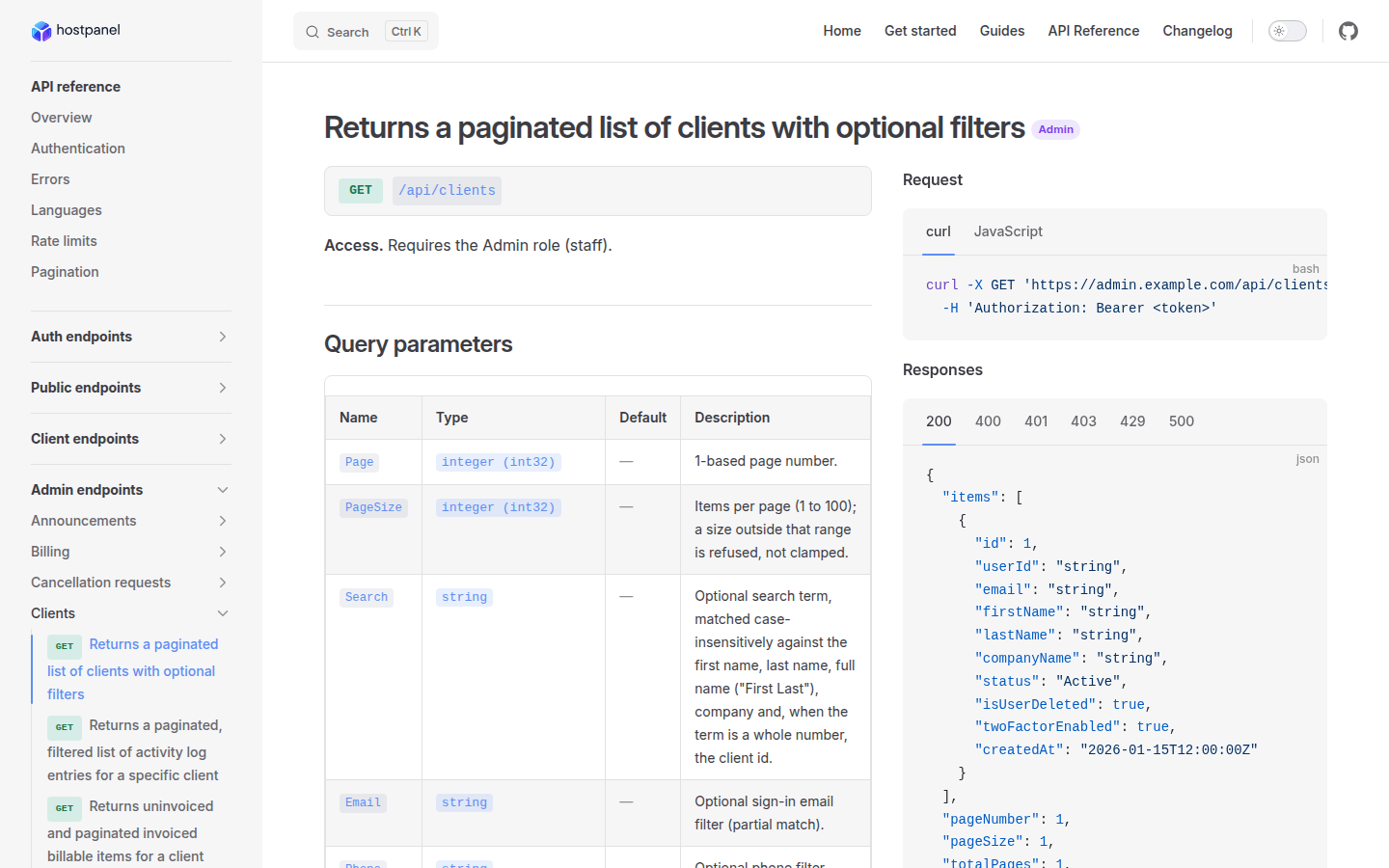
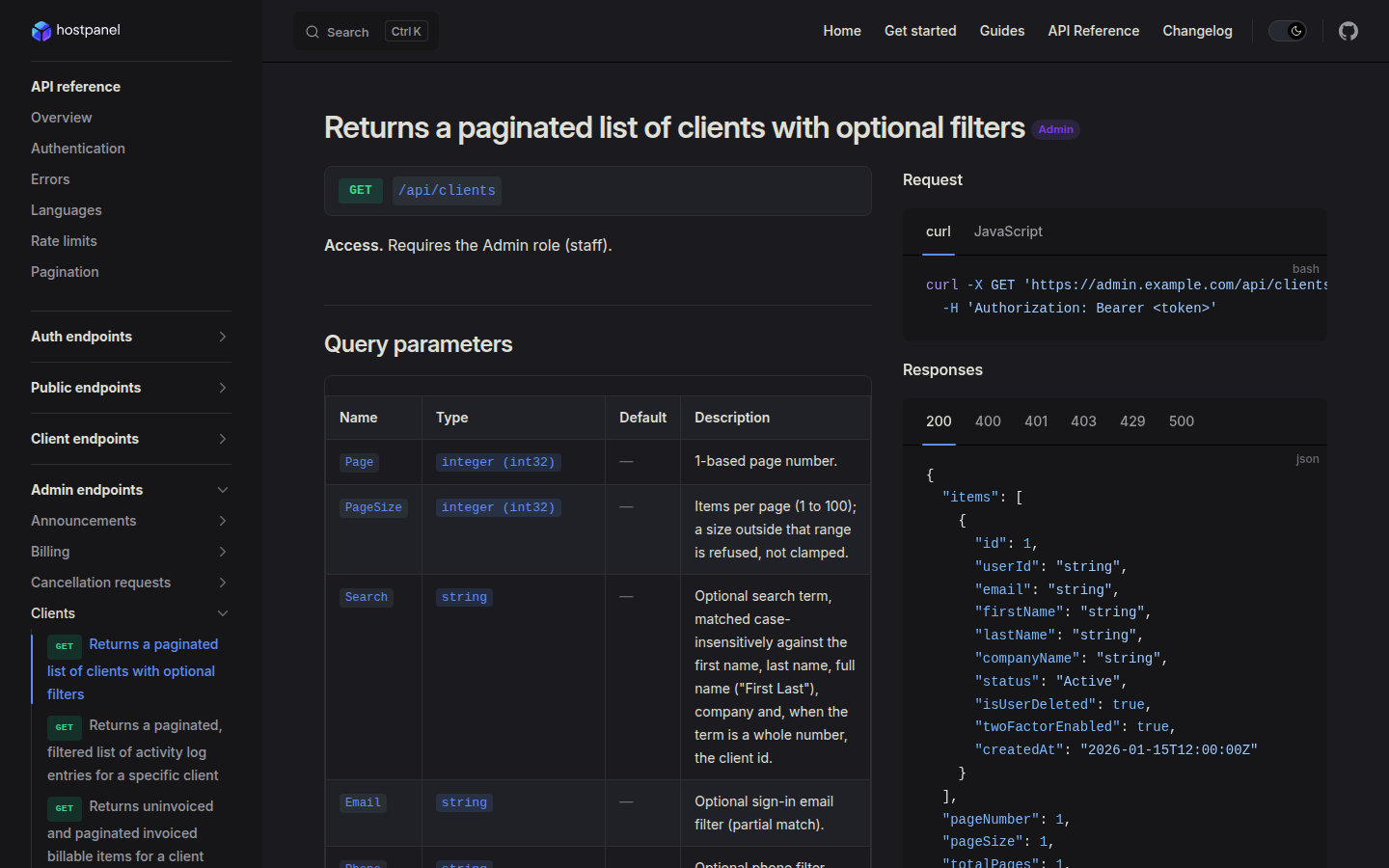
The sidebar lists the endpoints in five audience groups, and each group is split by area.